Puddle Jump Through Life With Us - Living... Loving... Growing... washed in the love of Christ

Puddle Jump Through Life With Us - Living... Loving... Growing... washed in the love of Christ

Become a Fan on Facebook

Twitter Followers

Flowing River of Blessings


It's time for a good book
Showing posts with label TOS Review. Show all posts

Wednesday, October 30, 2019

Homeschool Review Crew - Calvert Homeschool a VIDEO REVIEW

review, #hsreviews, #Calvertlegacy, #CalvertHomeschool, #HomeschoolwithCalvert, Online homeschool, homeschool online


I was thrilled to get a chance to review six months of access to  Calvert Homeschool Online from Calvert Homeschool
.


PLEASE CHECK OUT MY FULL VIDEO REVIEW OF THIS PRODUCT HERE:


Read what other members of the Homeschool Review Crew thought by clicking on the picture below:

Calvert Homeschool Online {Calvert Homeschool Reviews}


Crew Disclaimer

Wednesday, October 23, 2019

Homeschool Review Crew - Excelerate SPANISH Streaming

review, #hsreviews, #spanish, #onlinespanish, #homeschoolSpanish, #homeschool, #foreignlanguage, #worldlanguage, learn Spanish fast, excel in Spanish, homeschool Spanish, foreign language, world language


I was thrilled to get a chance to review Excelerate SPANISH Streaming from Excelerate SPANISH.


A SPANISH PROGRAM THAT WILL HAVE YOU FULLY ENGAGED TO LEARN!

What is Excelerate SPANISH Streaming?

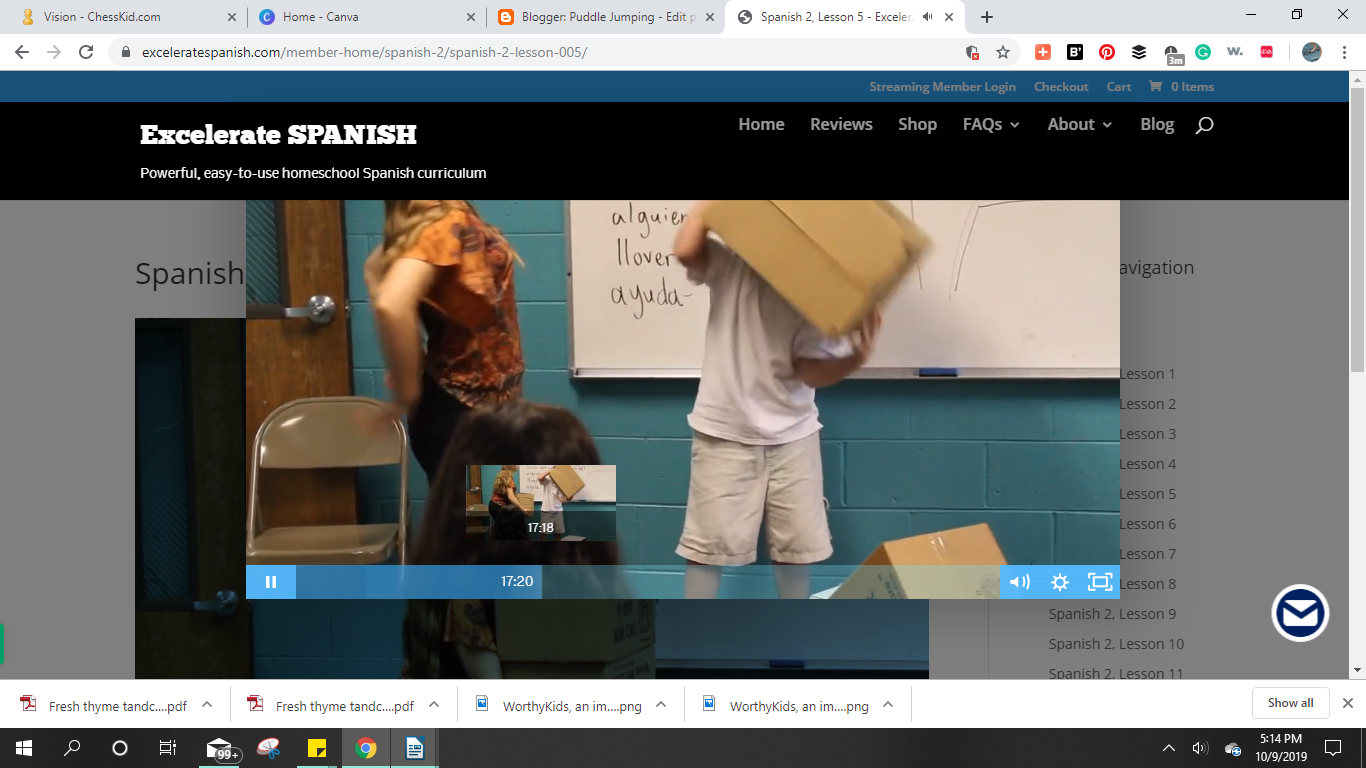
First of all - Yes, they realize that accelerate is usually spelled differently, but the name intends to deliver a reminder that you will EXCEL in SPANISH.  Excelerate SPANISH Streaming is an online subscription-based program that teaches Spanish in a very unique and wonderful way. It not only presents vocabulary words and sentences, but it connects groups of words together to form stories about situations that may happen in real life, or maybe just fun but definitely done in context. What else makes it unique is that it uses gestures, called Total Physical Response TPR. Each lesson also has the students act out a skit that makes use of the newly learned Spanish words.

There are two levels of Spanish, each containing 24 lessons that are a little more than 30 minutes each. Level 2 lessons are closer to 50 minutes. Level 1 and Level 2 have a live classroom filled with students varying in ages, and the lessons progress from more basic words to more complicated sentences. All of them are words you may actually use in real life, so the lessons are also very practical. The instructor introduces each new word or sentence, speaks it like you would with an immersion course, and then acts it out and has the students act it out before turning to lead the students through questions in a workbook, which is the only part we didn't have to refer to. Some of the Level 2 lessons seemed to be slightly longer than the Level 1 lessons.

I received a one-year streaming membership with access to both levels 1 and 2. No textbooks or workbooks were included, but I was given the option of purchasing them separately or using the access to additional resource links that included flashcards, quizlets, tests, and practice with instruction on how to use them, and they were beneficial.


MY PERSONAL OBSERVATION ABOUT THE PROGRAM - In trying to explain how this program is presented, I want to backtrack for a minute to a few months ago when my husband suffered a medical emergency that left him struggling to find his language and identifying words. As he struggles to communicate with me, he will gesture and act out what he is trying to say until we understand him. I found this fascinating. All the more, when I watched this Spanish program, it hit me that this is how they are teaching - using an immersion-style mixed with gestures that really help you remember the words. In my opinion, it's brilliant! I also realized that when babies learn to speak, they first gesture as well. I don't know if these ideas are behind Excelerate SPANISH Streaming, but I think there is truly a lot of scientific research that went into developing the entire learning experience.

How Did We Use It?

My daughter has been learning Spanish on her own now for a while now, so I was so excited to get the chance to introduce her to this program.


What Did We Think?

I was so completely impressed with this program. I have taken foreign language courses and have been exposed to numerous programs along the way with a variety of different languages and approaches to learning, but I have never ever seen anything this amazing before! To introduce vocabulary words by hearing it and acting it out is brilliant! It really has been so enjoyable to use.

FIND Excelerate SPANISH ON SOCIAL MEDIA @:


Read what other members of the Homeschool Review Crew thought by clicking on the picture below:

Excelerate SPANISH help your students to learn FAST, naturally! (Streaming)  {Excelerate SPANISH Reviews}


Crew Disclaimer

Tuesday, October 22, 2019

Homeschool Review Crew - Smartick


review, #hsreviews, #Smartick, #SmartickFamily, #Education, #Edchat, #Edtech, #Mathematics, #Math, #Homeschooling, #Homeschool, #Homeschoolmom, #Teaching, #Edapp, Math for kids, math online, math practice, math app, learning math, fun math, helpful math, grit, perseverance, math questions, math help

I was thrilled to get a chance to review 6 months of Smartick online homeschool math enrichment program from Smartick.


What is SMARTICK?

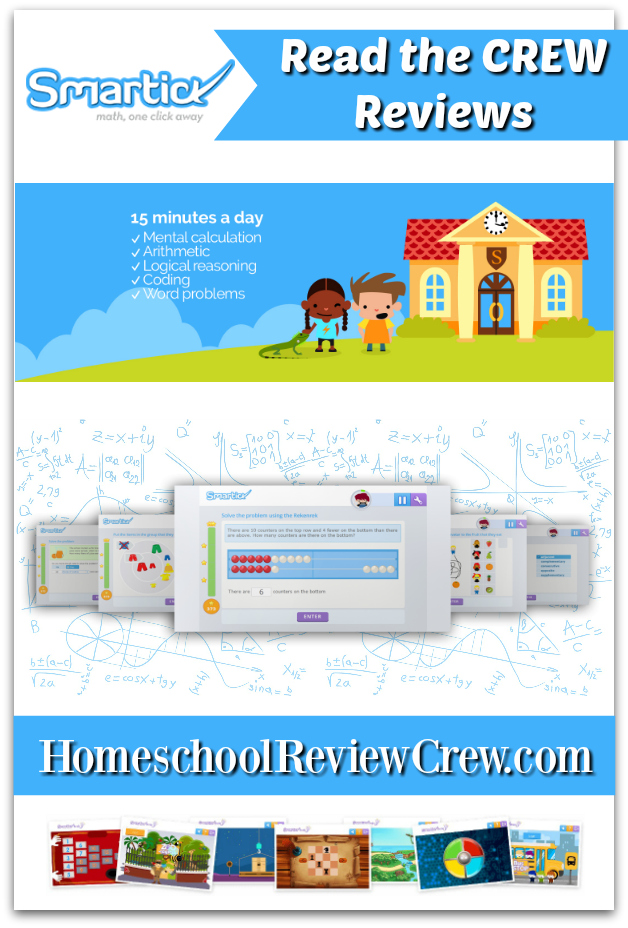
This is an online subscription that offers math enrichment by combining math with reading comprehension, logic, and reasoning. The program uses artificial intelligence to adapt to your child's learning style and prioritize each child's individual math needs regardless of their actual age or school year. It is recommended to be used for 15 minutes a day. There is a parent log-in that allows the parent to monitor progress.

I received a trial subscription to Smartick online math.


How Did We Use It?

I'm always excited to see new ways to teach and reinforce math skills for my extremely math-anxious daughter. I was asked to use this program for 15 minutes a day four to five times per week.

I logged on and discovered that there are actually two log-ins, one for the tutorial/parent reports, etc. and one for the student to practice and collect "ticks" (stars). Before I stayed home to have children, I worked in an IT department and with some other computer-related programs and hardware that was cutting edge at the time, so I don't know why, but I struggled at setting this up. It took me a while to realize that there are some tutorial teaching videos on the parent/tutor log in section. So, I probably unintentionally created more frustration than I needed to by first jumping into the student log in. I don't know for sure what caused my issues. The important thing is that I was eventually successful at getting my student set up to use it. 

From the student's viewpoint, from the student log in access, it presents questions, like a quiz. When you get the question right, the green bar fills up and you gain stars, or they call them "ticks", hence the name "SmarTICK)" which combines the words Smart and Tick to form one big fun word.

Here's a peak into the screens on my student log-in:


What Did We Think?

The site has nice graphics and sounds, and the AI aspect intrigues me. There is a separate tutorial log in that does offer instruction, which I wish was all on the student log-in screen as it would make it really hands-off for me as a teacher if it were. Unless I've been using it incorrectly, the tutorials, or actual learning sessions, are only under the parent log-in, and then there is another log in to do the practice/testing work where you earn ticks. I also wish that once you earned a star, or tick, that the bar would stay at that star until you get another answer right instead of going backwards. It was very fun to watch the bar fill up to gather stars, but extremely frustrating when it went backwards and turned red.


FIND SMARTICK ON SOCIAL MEDIA @:


Read what other members of the Homeschool Review Crew thought by clicking on the picture below:

Math Enrichment Program {Smartick Reviews}


Crew Disclaimer

Monday, October 21, 2019

Homeschool Review Crew - Creating a Masterpiece

review, #hsreviews, #artinstruction, #homeschoolart, #onlineartprogram, Homeschool Art Curriculum, Art Instruction, Online Art Program, Creating a Masterpiece


I was thrilled to get a chance to review a one-year subscription to the online Drawing Program from Creating a Masterpiece.


What is Creating a Masterpiece?

This is an online subscription that teaches art through video instruction. There is a wide selection of art projects, but this review will focus on the Drawing Program. The drawings include pencil, colored pencil, and charcoal and are presented at various levels. We chose to draw a little from each level. There is a list of materials needed for each project and even links to purchase anything you need.

How Did We Use It?

I sat with my daughter and chose a few projects we wanted to do. We did them side-by-side together and enjoyed every minute. The instructor is so patient and easy to listen to. She describes each step of each project in a way that is easy to follow, and if it got too fast, we could always pause or rewind - the beauty of video online.

The lessons are set up so that you could choose to do one a week or more. We got carried away and lost track of time, so we did more than one in a week.

The Beginning Drawing section includes 8 lessons, the Drawing Level 1 includes 7 lessons, Drawing Level 2 has 6 lessons, and Drawing Level 3 consists of 8 lessons. Each lesson is broken into at least a few video lesson sections. We usually sat and finished all of the video lessons for each drawing once we got started, but you could easily stop at the end of each video within each lesson and turn it into a few day's or even a week long project for one lesson.


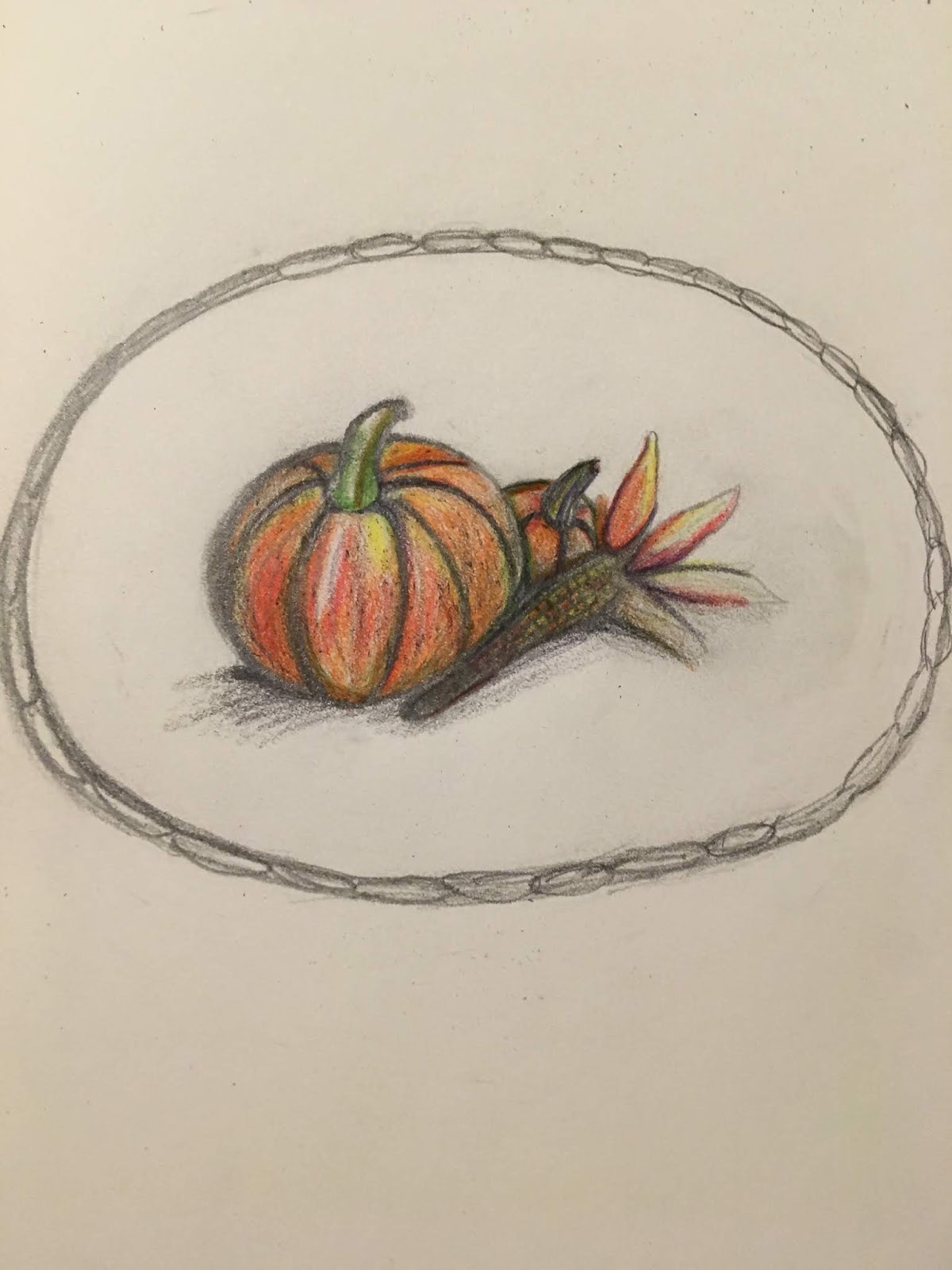
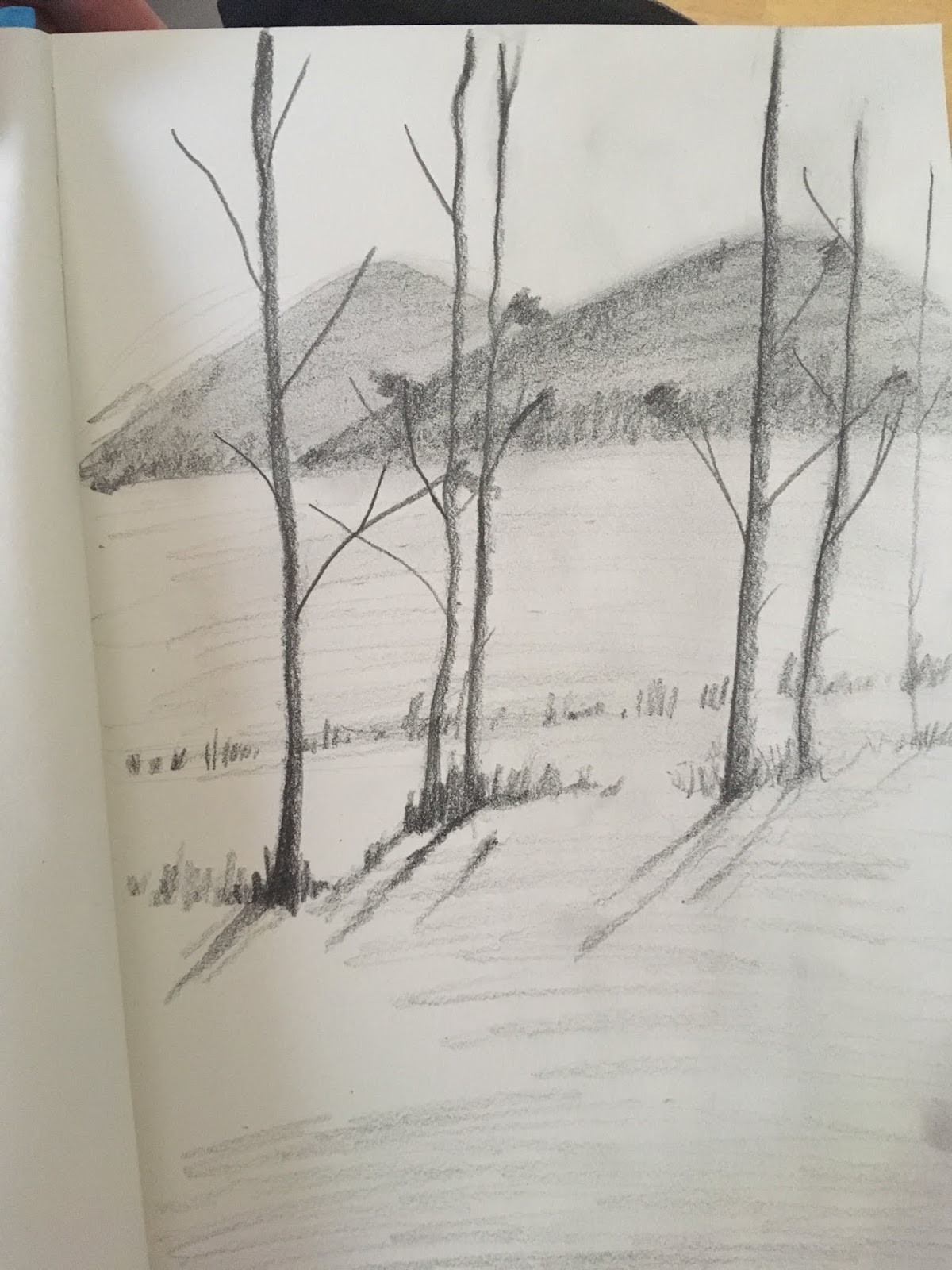
Here's a glimpse into what we experienced:


What Did We Think?

We absolutely love to draw together, and the instruction on these videos is superb. The instructor is easy to listen to and explains everything so well. It was hard to stop at just one project at a time as once we got started we wanted to keep going.

FIND Creating a Masterpiece ON SOCIAL MEDIA @:


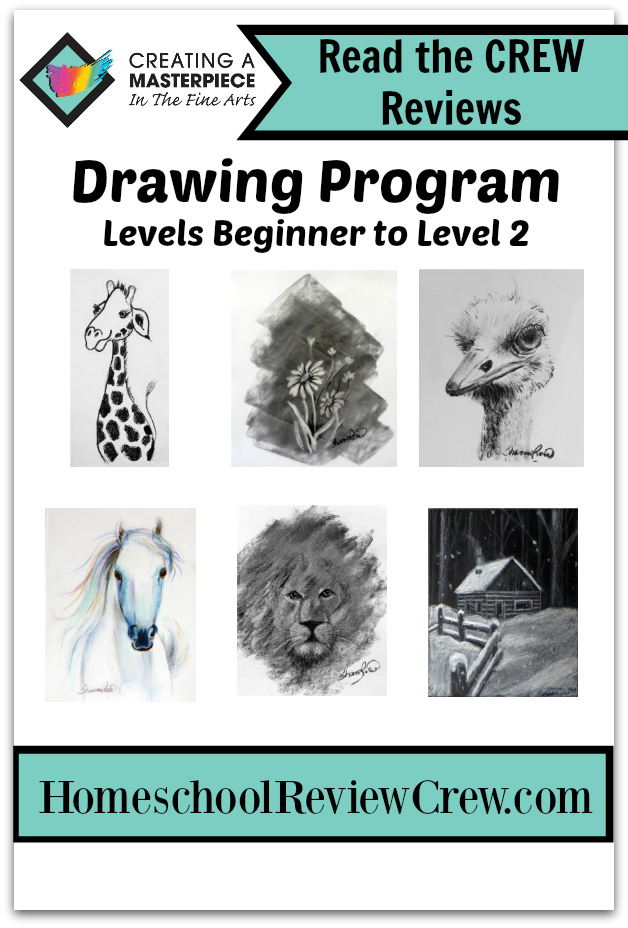
Read what other members of the Homeschool Review Crew thought by clicking on the picture below:

Learning to Draw {Creating a Masterpiece Reviews}


Crew Disclaimer